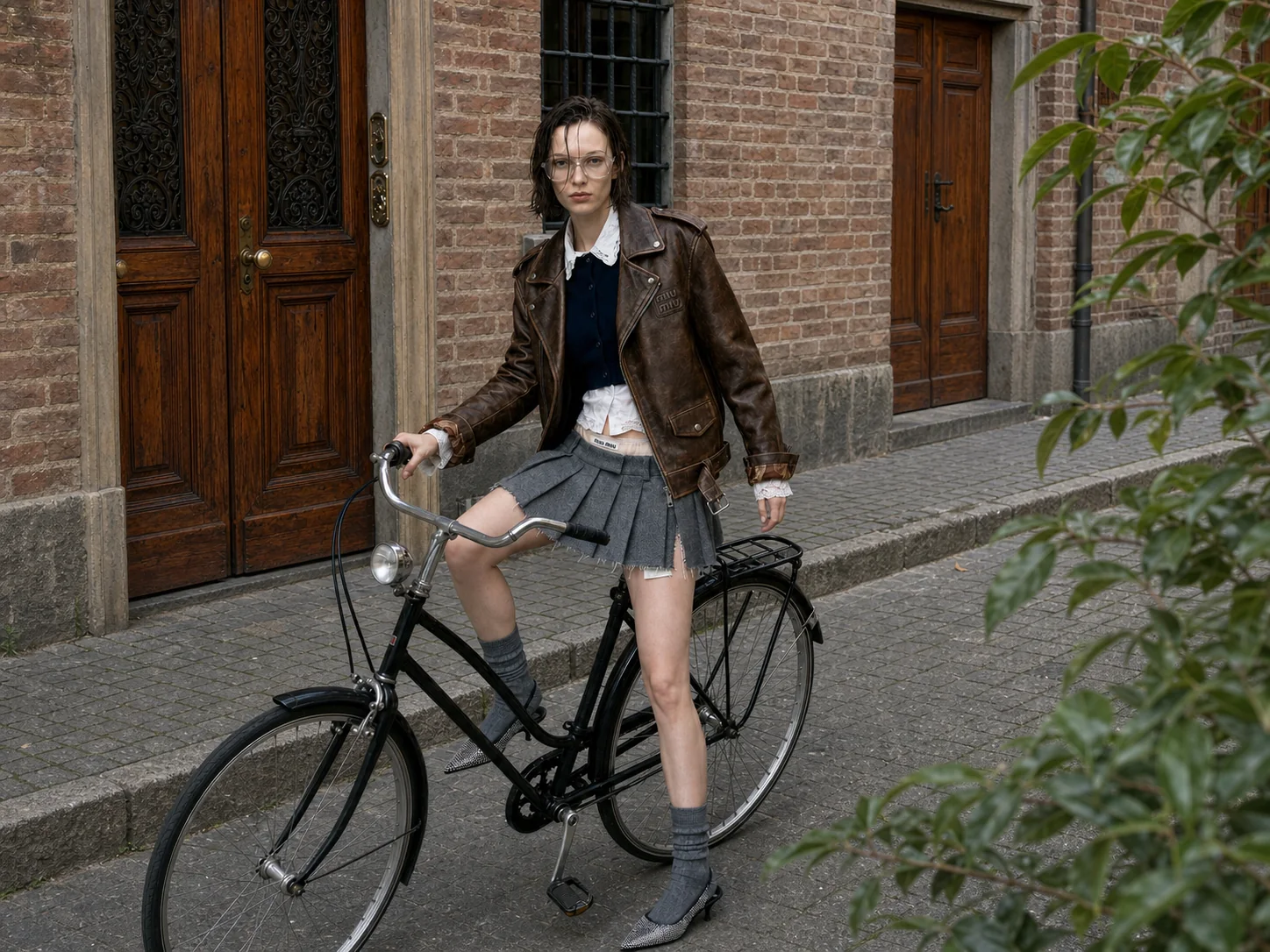
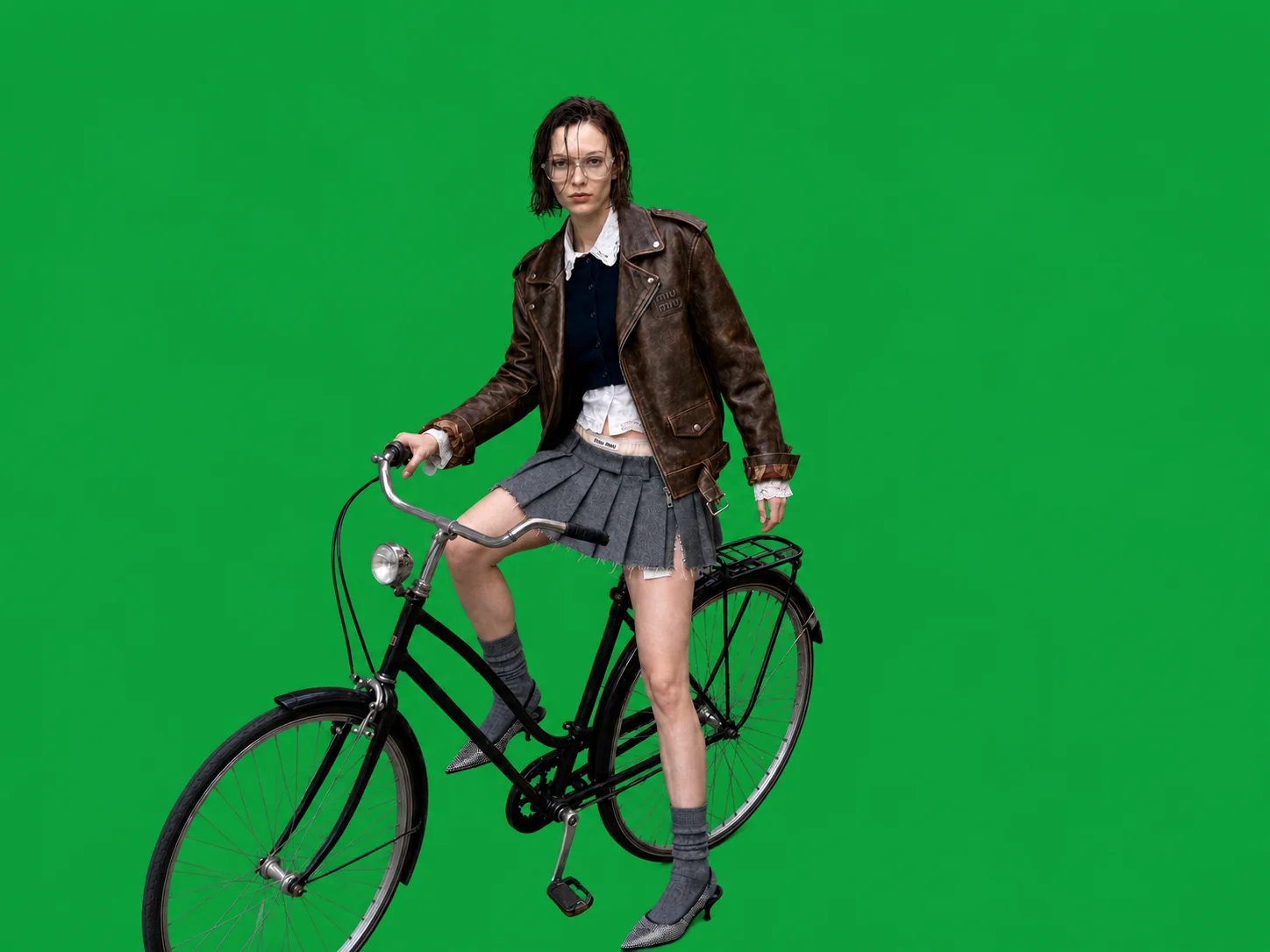
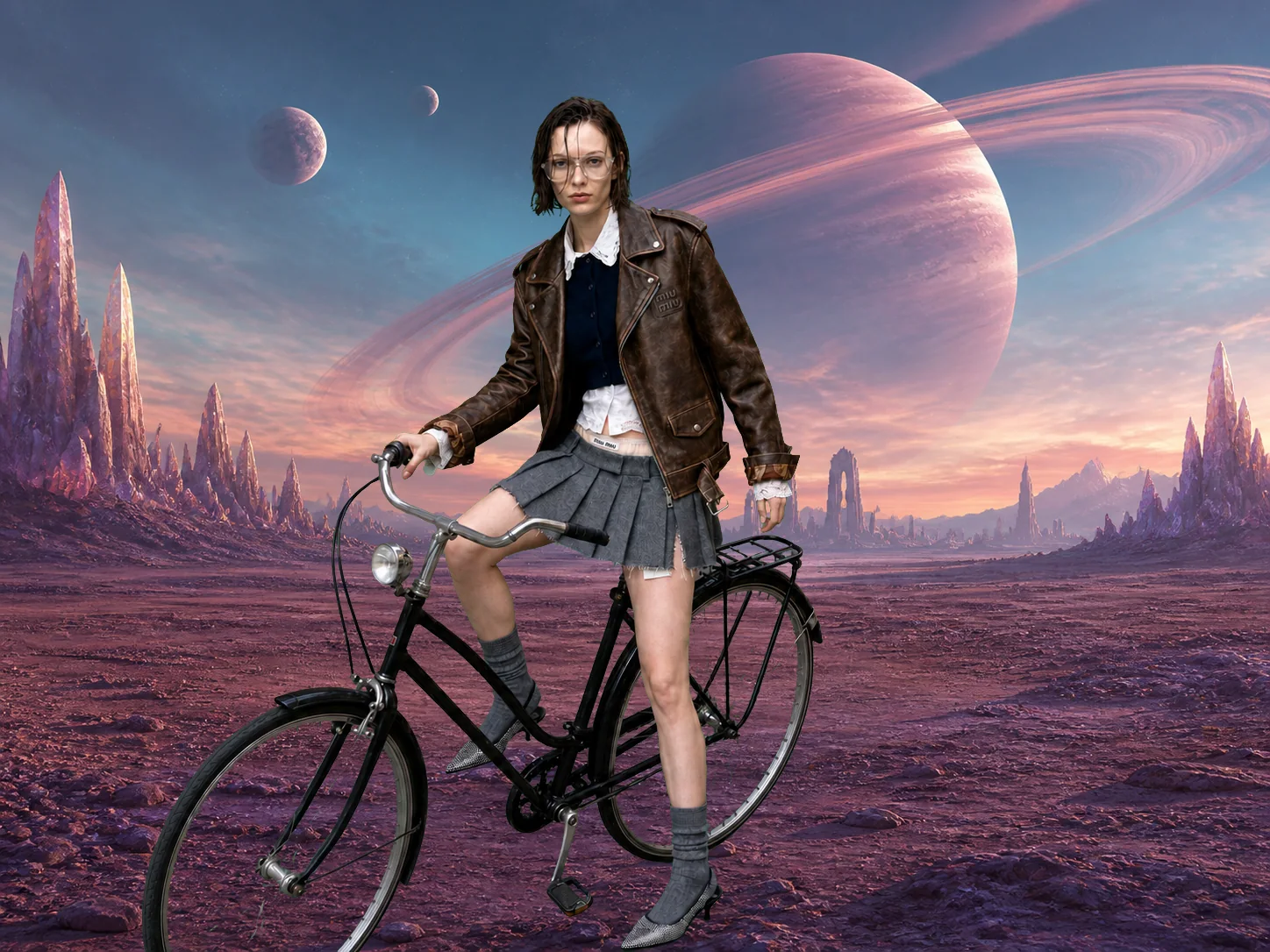
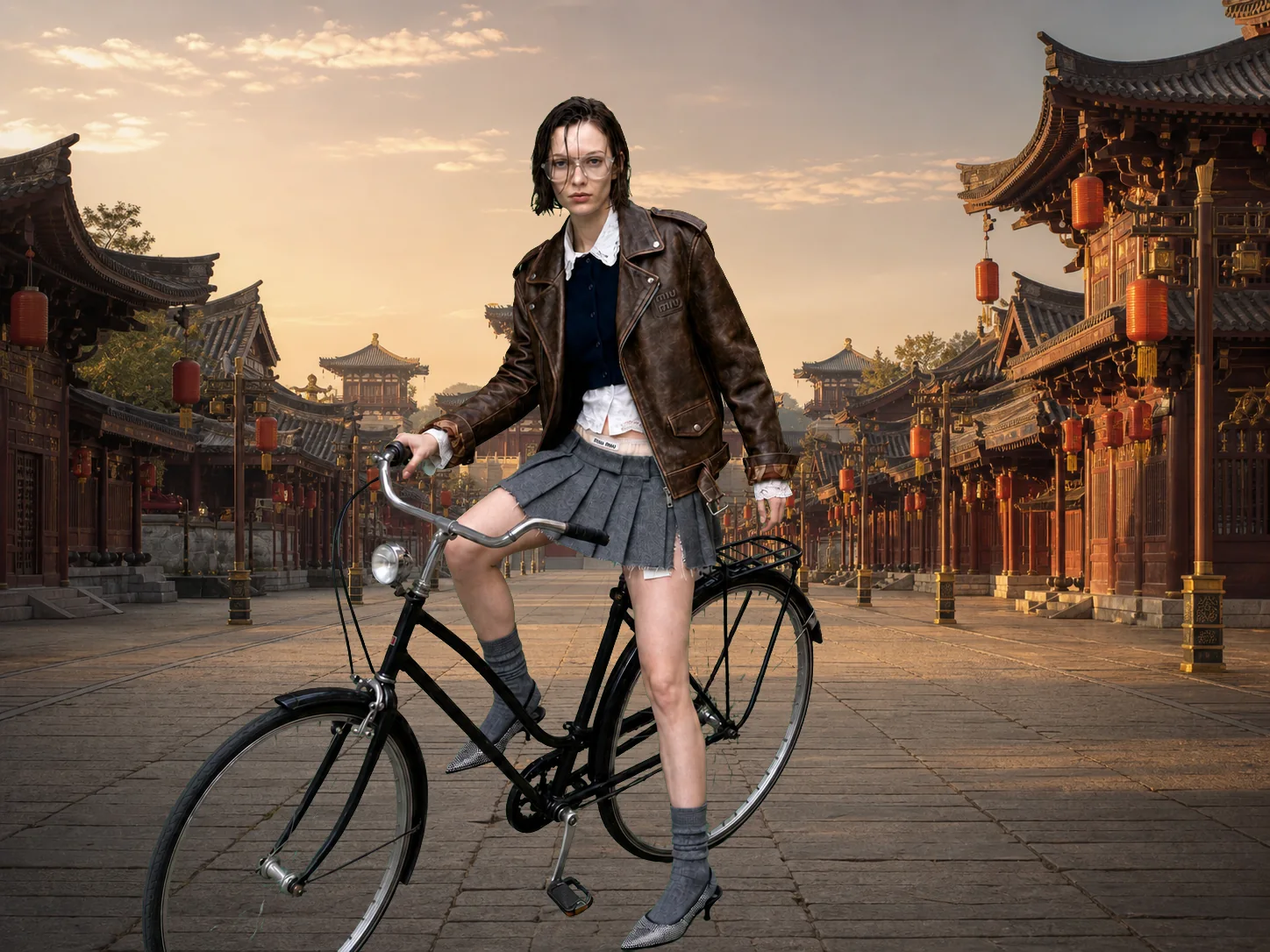
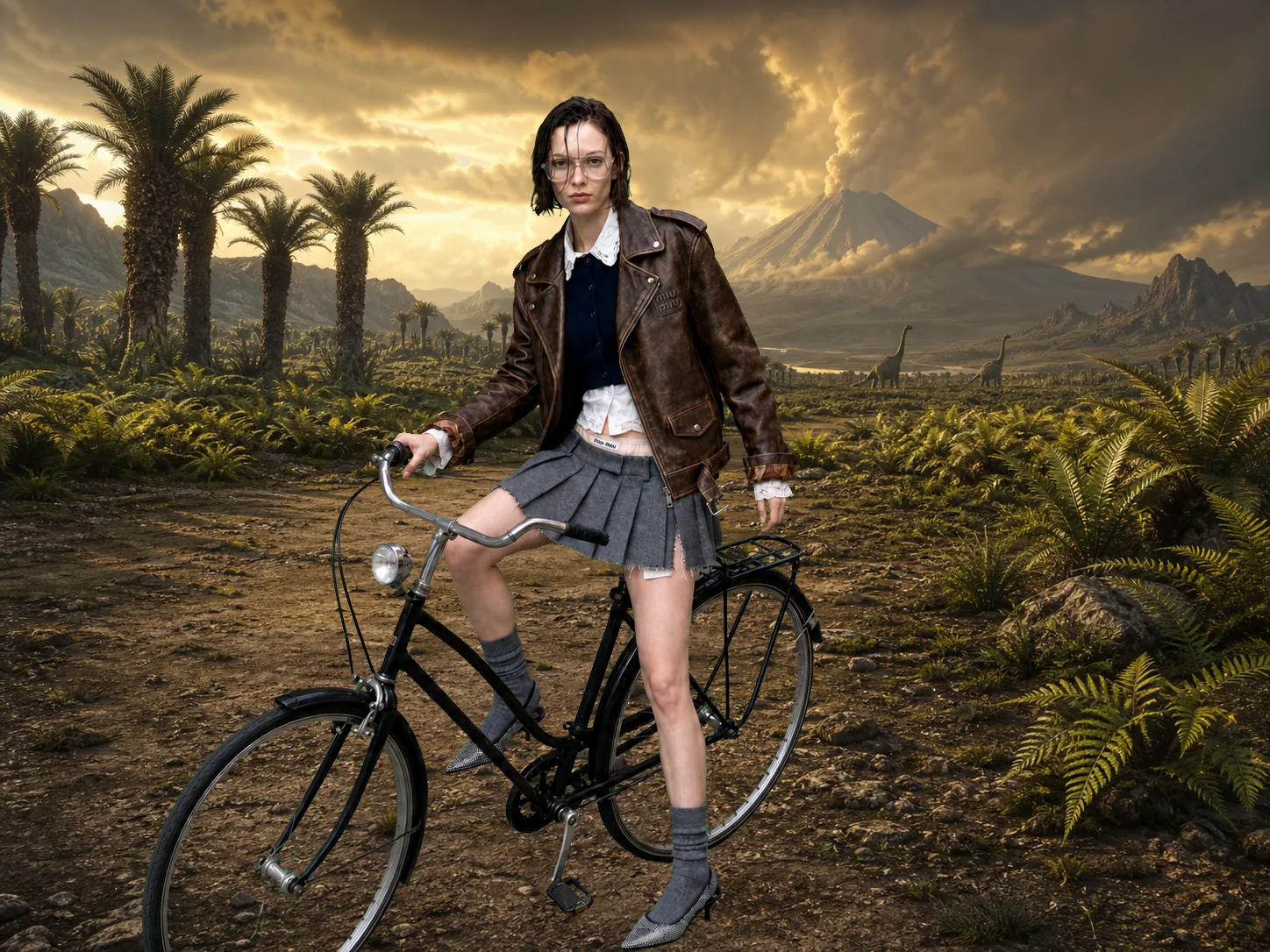
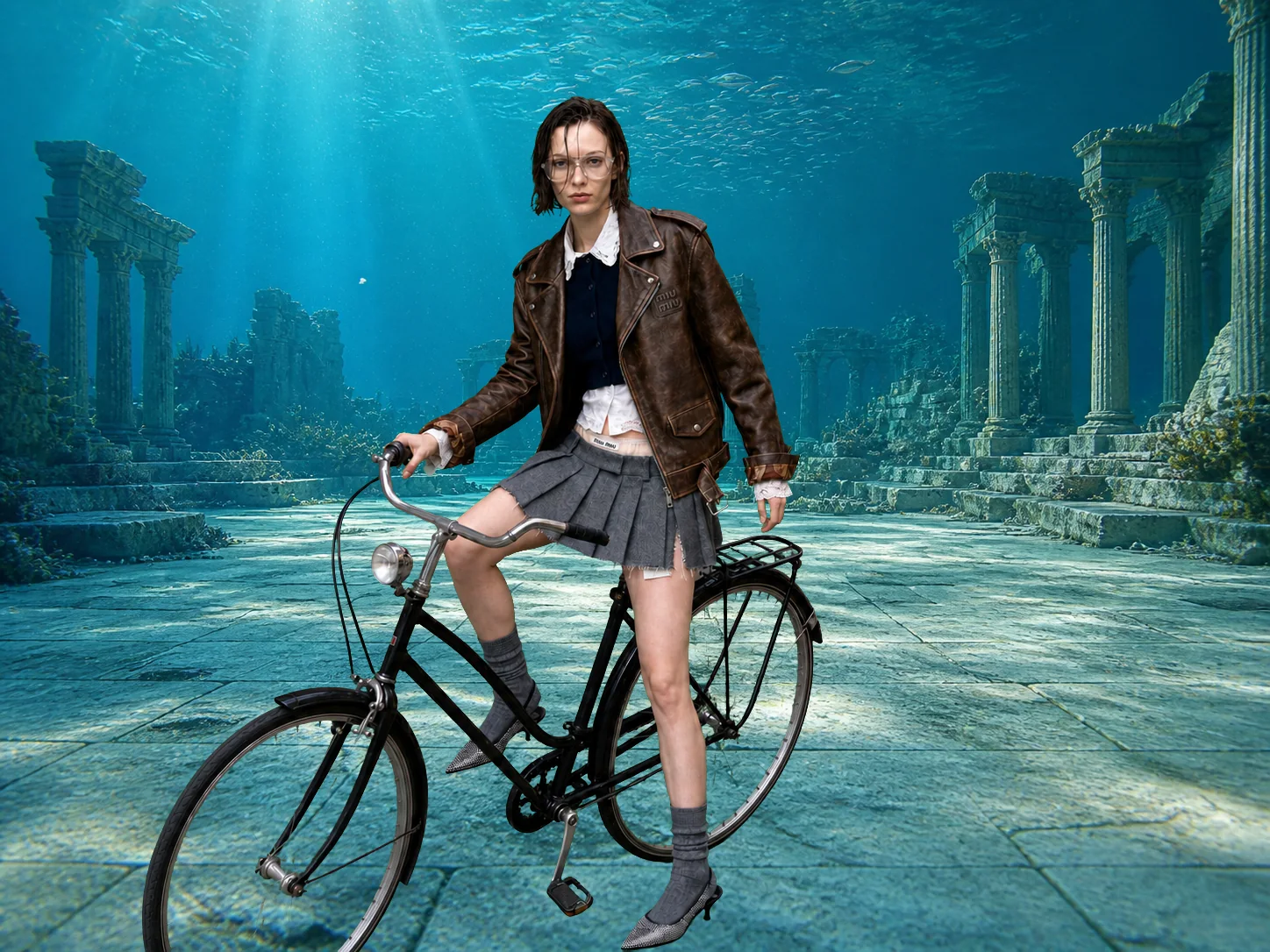
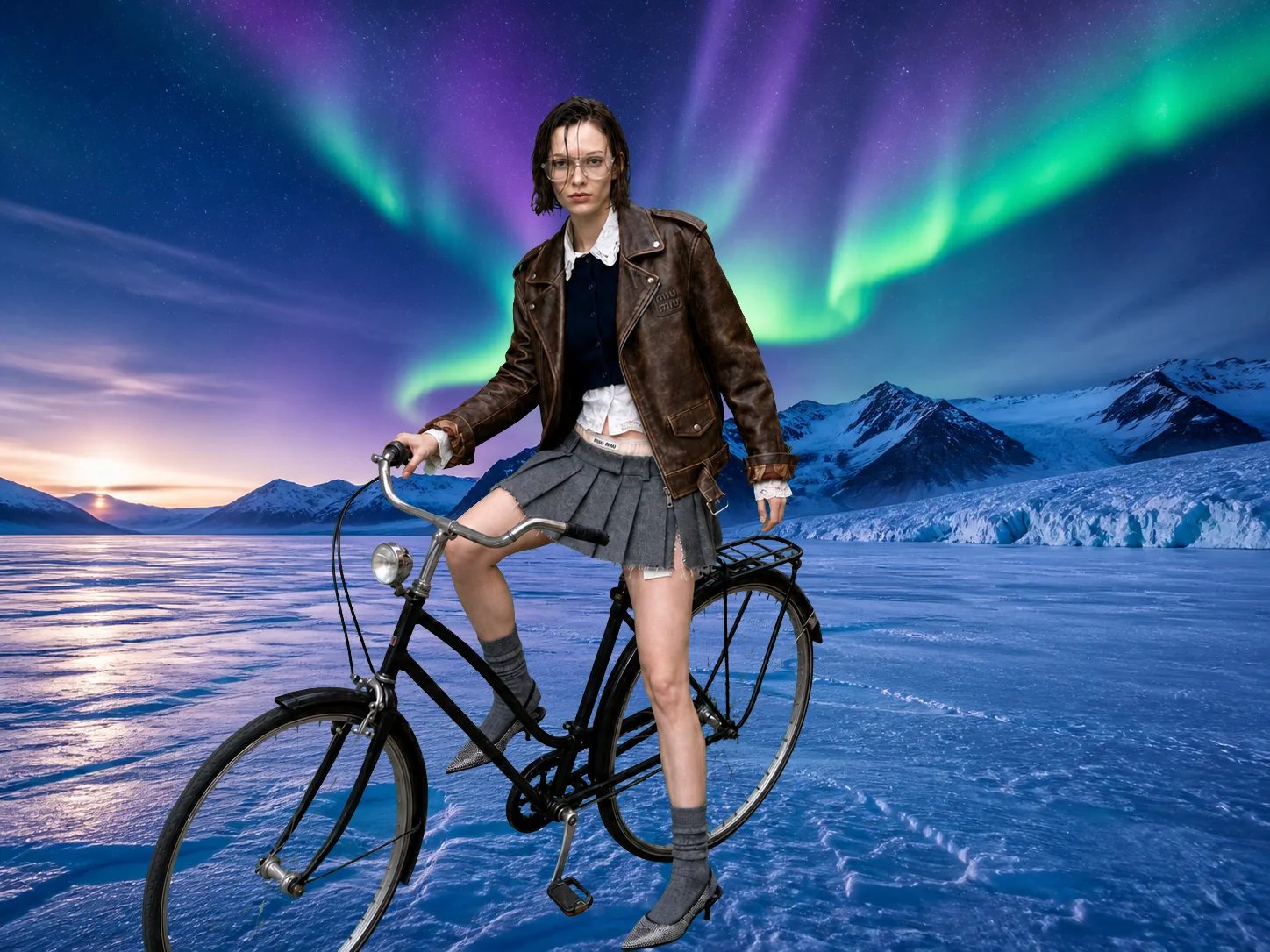
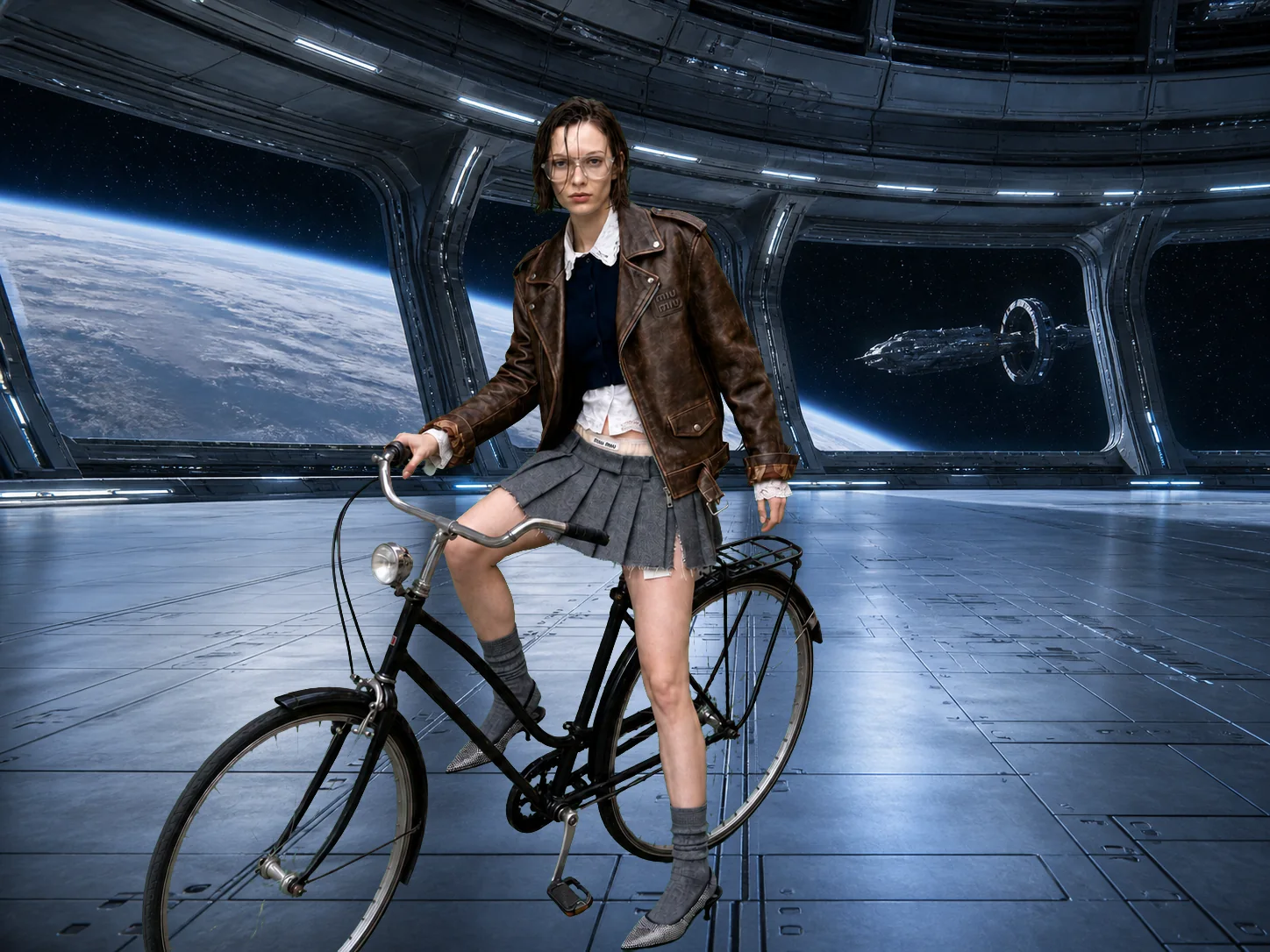
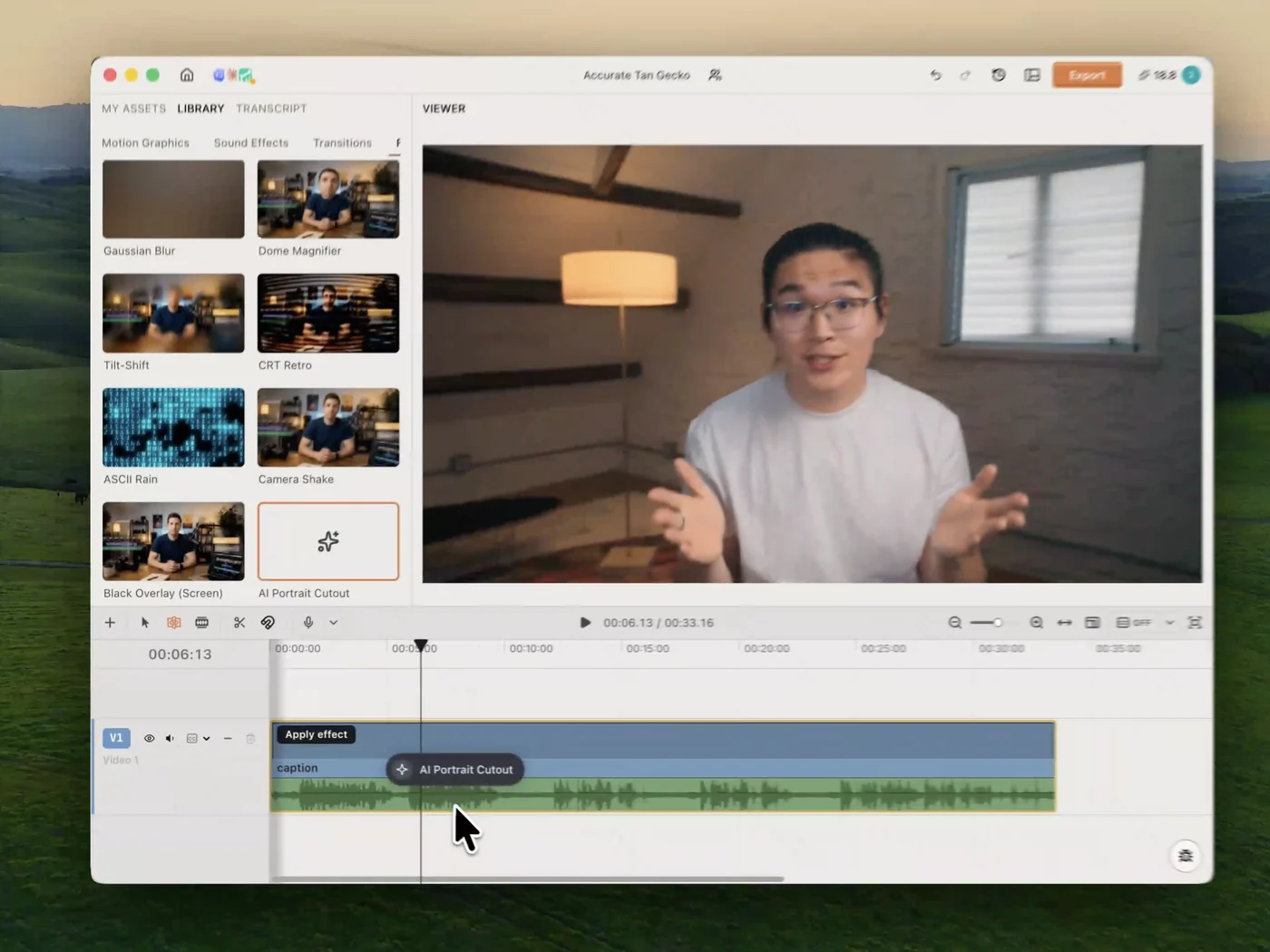
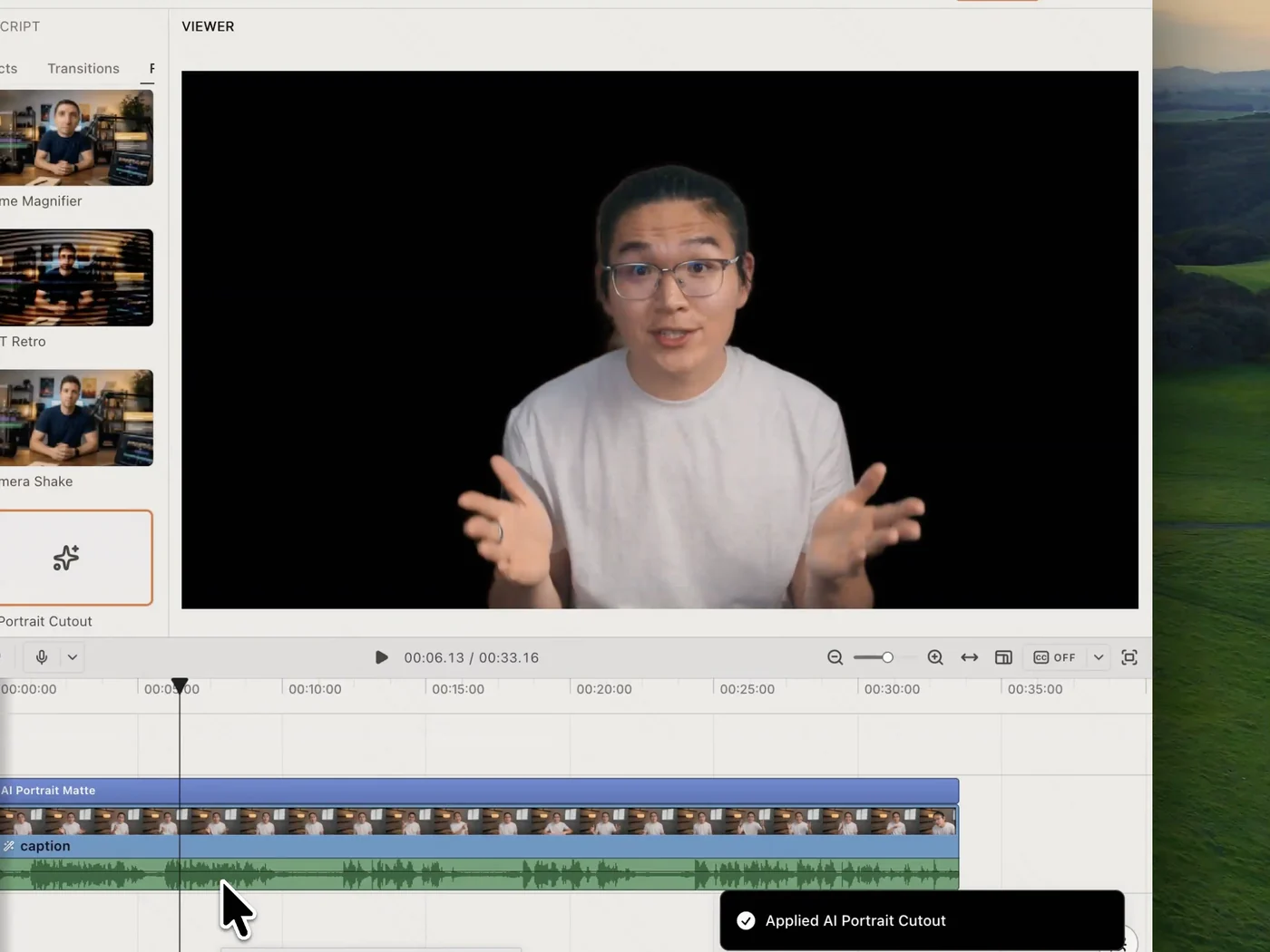
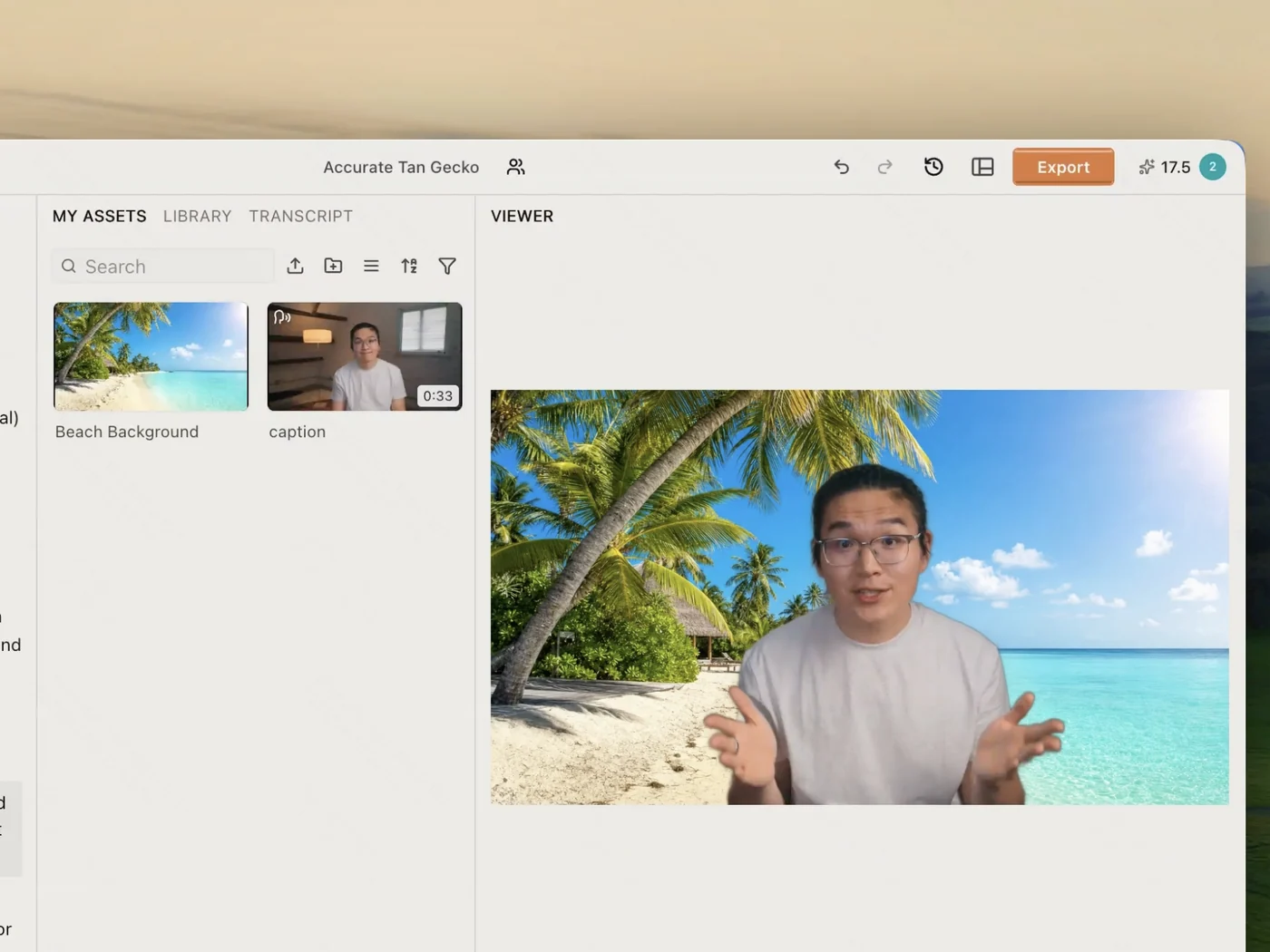
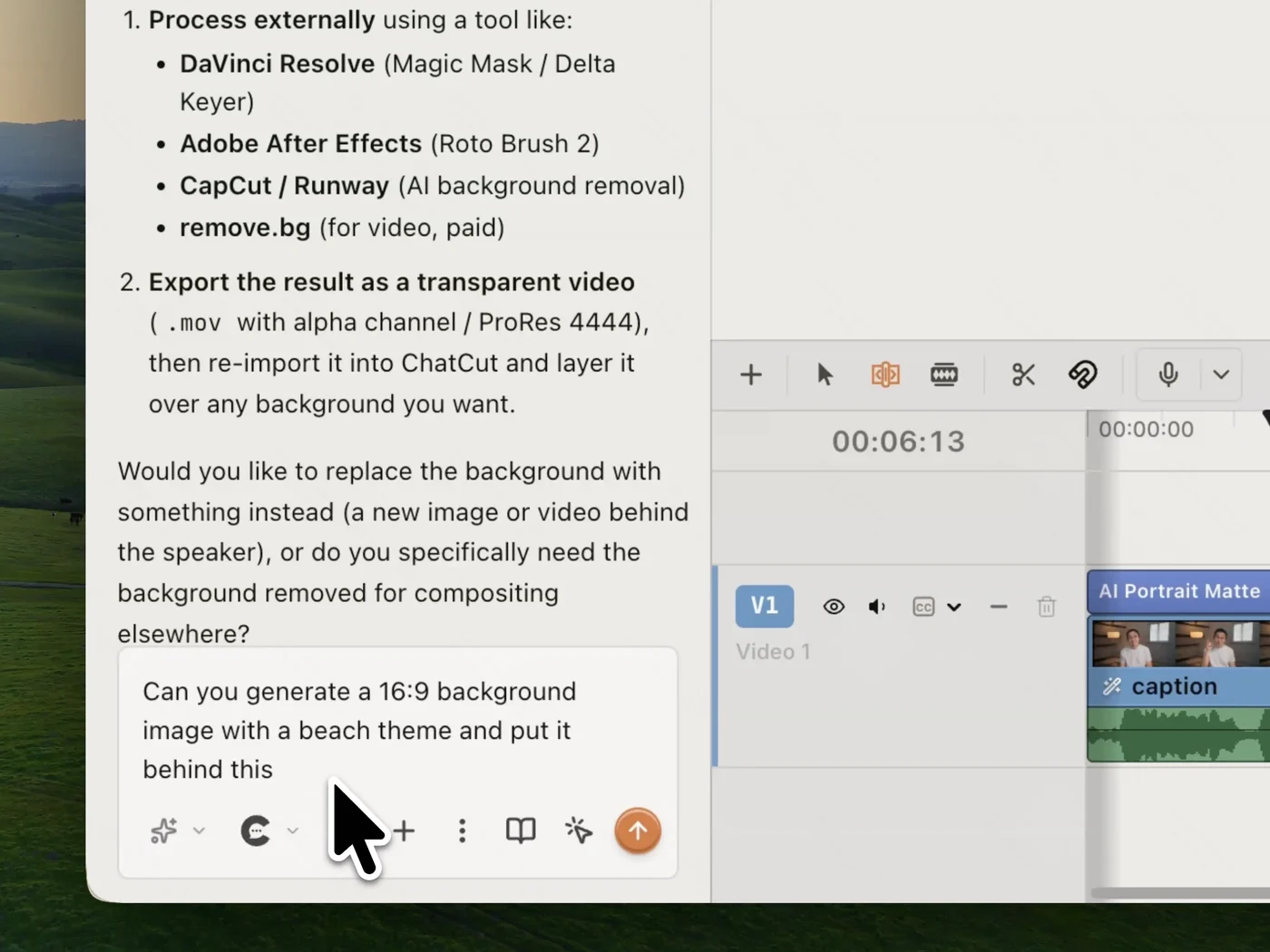
Four steps from raw footage to a new world behind your subject: drop the clip in, cut
the background out — by agent or by hand — and put whatever you like in its place.
One-click cutout,straight onto your timeline
Drop AI Portrait Cutout onto the clip and it applies in place. The matte arrives as its own track, so the cutout is a layer you keep editing — not a fresh export to manage.
No green screen,no frame-by-frame roto
No green screen to hang, no frame-by-frame roto to sit through. The model reads the footage you already shot and builds an AI-generated transparency matte from it.
Replace it with anything,an image or a video
Bring your own still or clip, or generate one on the spot. Because the cutout is a layer and not a flattened file, whatever you slide underneath simply shows through.
Let AI take any step,or take it yourself
Ask the agent to cut the subject out, generate a backdrop, and place it behind — all in one sentence. Every step is also a normal control, so you can take over at any point.
All your tools, on one timeline
Cut subjects out, edit on a real multi-track timeline, and caption in 32 languages.
Create, edit, and finish a video on desktop, in Codex or any agent, or in the browser.
41 Seedance 2.5 videosIllustrative new-user estimates, not guaranteed amounts or your quote. Each example spends all credits on one model. Video and image examples use the prompt “A red circle on a plain white background.” with no reference media; images use PNG. Actual costs vary with settings and generated tokens.
588 Nano Banana 2.1 imagesIllustrative new-user estimates, not guaranteed amounts or your quote. Each example spends all credits on one model. Video and image examples use the prompt “A red circle on a plain white background.” with no reference media; images use PNG. Actual costs vary with settings and generated tokens.
AI editing for ~5 projectsEstimated from typical use. Projects aren't limited, and credits vary with project complexity. Editing through external agents like Claude Code or Codex uses no credits, but generating content still does
✓ Parallel: 2 videos, 4 images
✓ Create 1 voice clone, 1 avatar
✕ Extra credit discount
✓ Access to all AI modelsIncludes the most advanced models: Seedance 2.5, Kling 4.0, GPT Image 2.6, Nano Banana 2.1, music and voice generation
82 Seedance 2.5 videosIllustrative new-user estimates, not guaranteed amounts or your quote. Each example spends all credits on one model. Video and image examples use the prompt “A red circle on a plain white background.” with no reference media; images use PNG. Actual costs vary with settings and generated tokens.
1,176 Nano Banana 2.1 imagesIllustrative new-user estimates, not guaranteed amounts or your quote. Each example spends all credits on one model. Video and image examples use the prompt “A red circle on a plain white background.” with no reference media; images use PNG. Actual costs vary with settings and generated tokens.
AI editing for ~10 projectsEstimated from typical use. Projects aren't limited, and credits vary with project complexity. Editing through external agents like Claude Code or Codex uses no credits, but generating content still does
✓ Unlimited parallel generations
✓ Unlimited voice clones, avatars
✓ Extra credits 10% off
✓ Access to all AI modelsIncludes the most advanced models: Seedance 2.5, Kling 4.0, GPT Image 2.6, Nano Banana 2.1, music and voice generation
164 Seedance 2.5 videosIllustrative new-user estimates, not guaranteed amounts or your quote. Each example spends all credits on one model. Video and image examples use the prompt “A red circle on a plain white background.” with no reference media; images use PNG. Actual costs vary with settings and generated tokens.
2,352 Nano Banana 2.1 imagesIllustrative new-user estimates, not guaranteed amounts or your quote. Each example spends all credits on one model. Video and image examples use the prompt “A red circle on a plain white background.” with no reference media; images use PNG. Actual costs vary with settings and generated tokens.
AI editing for ~20 projectsEstimated from typical use. Projects aren't limited, and credits vary with project complexity. Editing through external agents like Claude Code or Codex uses no credits, but generating content still does
✓ Unlimited parallel generations
✓ Unlimited voice clones, avatars
✓ Extra credits 15% off
✓ Access to all AI modelsIncludes the most advanced models: Seedance 2.5, Kling 4.0, GPT Image 2.6, Nano Banana 2.1, music and voice generation
329 Seedance 2.5 videosIllustrative new-user estimates, not guaranteed amounts or your quote. Each example spends all credits on one model. Video and image examples use the prompt “A red circle on a plain white background.” with no reference media; images use PNG. Actual costs vary with settings and generated tokens.
4,705 Nano Banana 2.1 imagesIllustrative new-user estimates, not guaranteed amounts or your quote. Each example spends all credits on one model. Video and image examples use the prompt “A red circle on a plain white background.” with no reference media; images use PNG. Actual costs vary with settings and generated tokens.
AI editing for ~40 projectsEstimated from typical use. Projects aren't limited, and credits vary with project complexity. Editing through external agents like Claude Code or Codex uses no credits, but generating content still does
✓ Unlimited parallel generations
✓ Unlimited voice clones, avatars
✓ Extra credits 20% off
✓ Access to all AI modelsIncludes the most advanced models: Seedance 2.5, Kling 4.0, GPT Image 2.6, Nano Banana 2.1, music and voice generation
Do I need a green screen to remove the background?
No. Apply AI Portrait Cutout to the clip and the model builds a transparency matte from the footage itself — the same footage you already shot, against whatever wall you shot it on. A green screen is one way to key a shot, not a requirement.
How does it handle hair and fine edges?
The matte is generated per frame rather than tracked by hand, so hair, glasses and thin objects like bicycle spokes hold their edges instead of being clipped to a rough outline. Nothing has to be rotoscoped frame by frame.
Where does the cutout go once it's applied?
It lands as its own track on the timeline, above the clip it came from. That means it is non-destructive: switch it off to get the original shot back, and slide any image or video underneath to composite without re-exporting anything.
Can I generate a new background, or only upload one?
Both. Bring in your own image or clip as the new backdrop, or ask the agent to generate one — say what you want the scene to be and it makes the still and places it behind the subject in the same step.
Can I just ask the agent to do it?
Yes. Ask in plain language — remove the background, put a beach behind me — and the agent does it. Every step it takes is a normal control you can also drive yourself, so you're never locked into the chat.
Is it free, and does it work in the browser?
It's free to start, no card required. ChatCut runs in any modern browser on Mac or Windows with nothing to install, and heavy renders happen in the cloud so your machine isn't tied up.