AI Poster Generator

Choose a poster style, add your product photos and exact wording, and create a finished marketing image in ChatCut.
Color PopPro

What happens next

  1. ChatCut opens with your files and choices
  2. Sign in and check the credit estimate
  3. The result lands in your project to edit

Image generation needs a paid plan and uses credits. Review the estimate in ChatCut before creating your poster. Poster and listing image guide

Trusted by 400,000+ creators

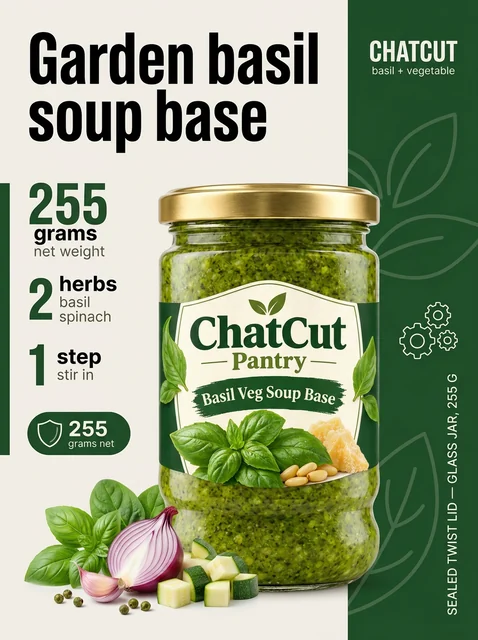
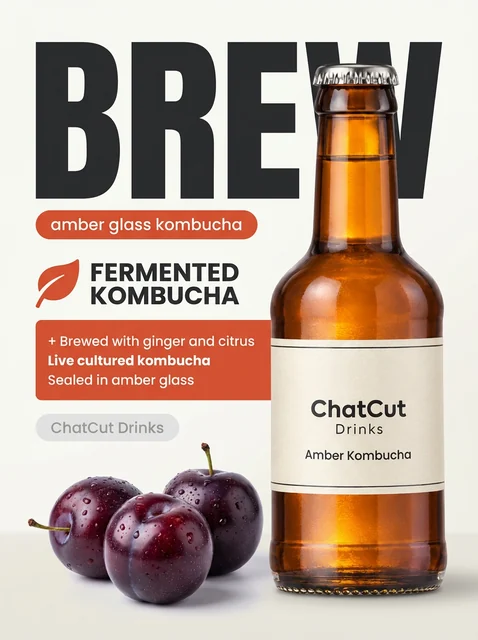
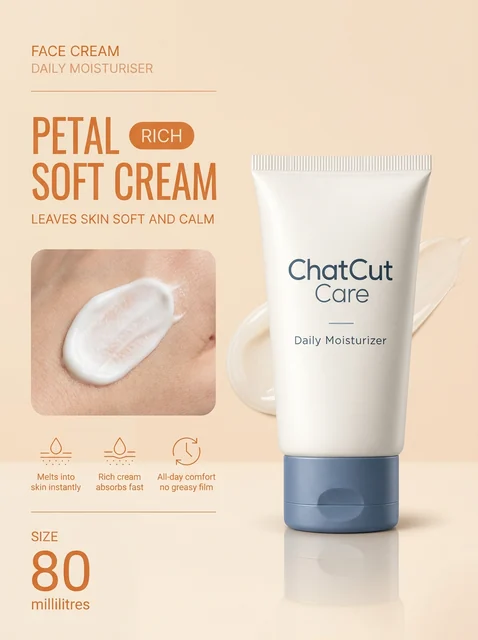
Ten styles for your product poster

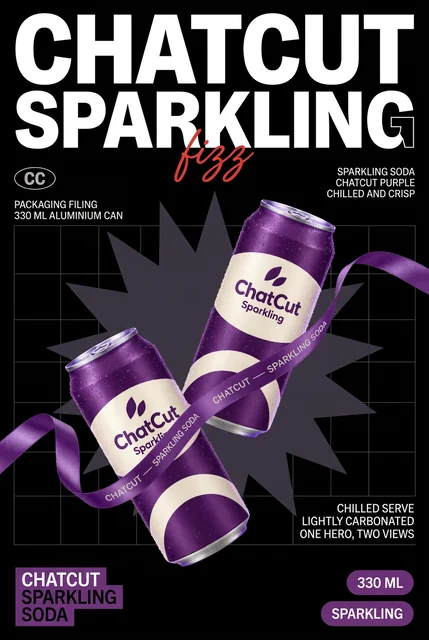
Choose bold lettering, illustration, vintage print or a product scene, then select an example within the style.

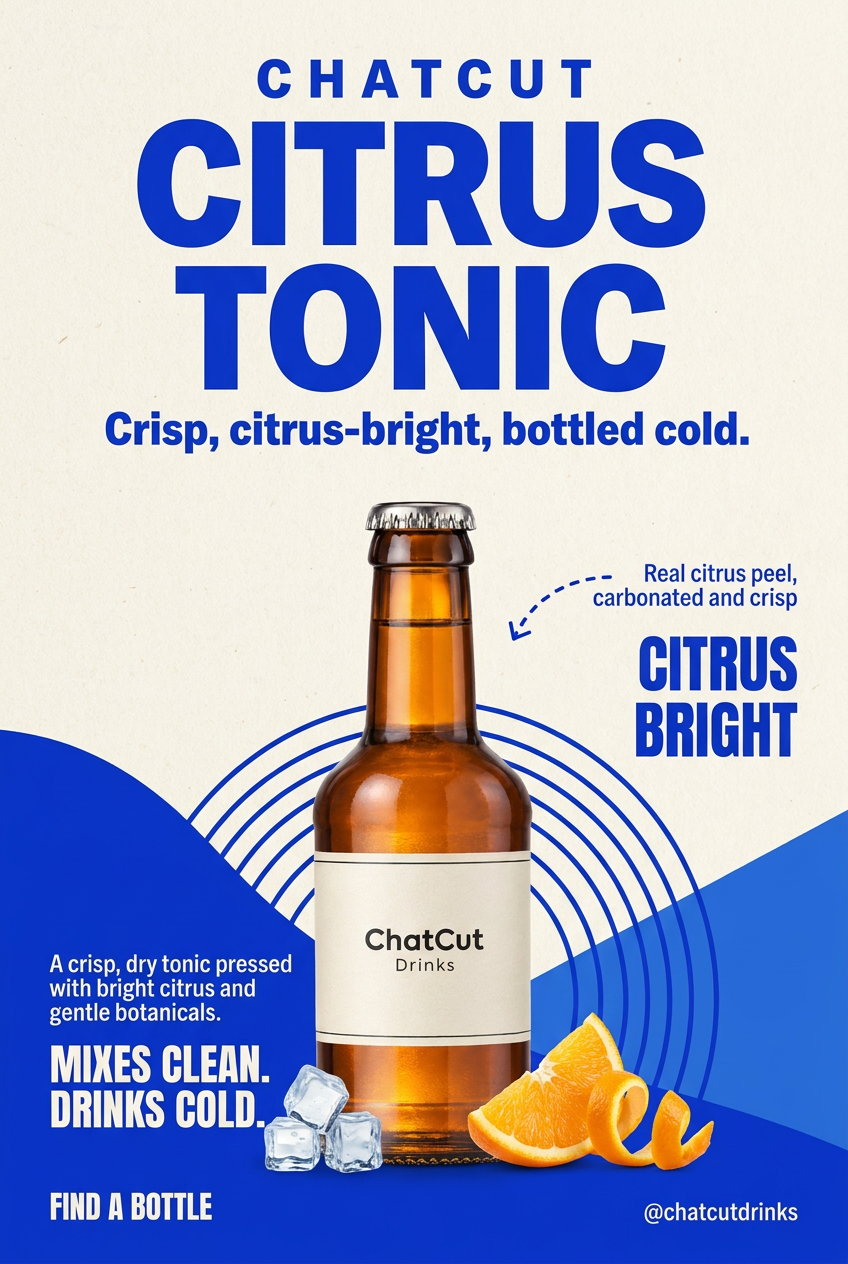
  1. Color PopPro

    For product launches and promotions.

    Use this style
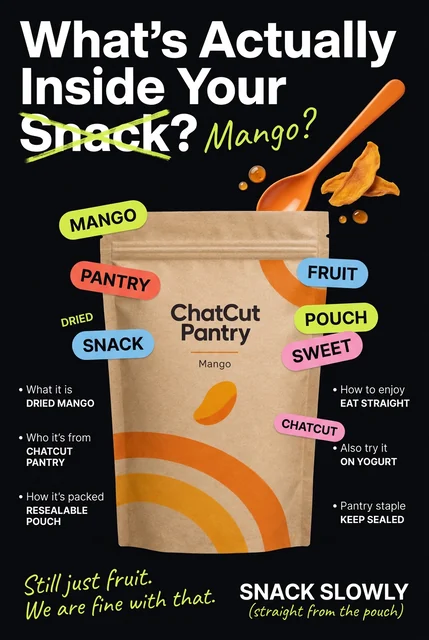
  2. Juicy SplashPro

    For promoting food and drink flavors.

    Use this style
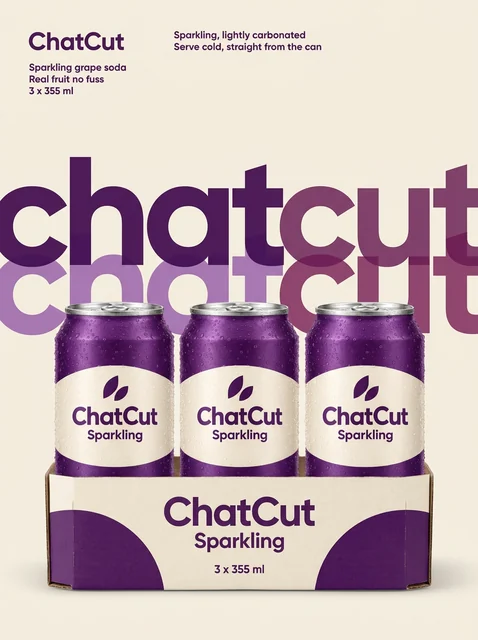
  3. Clean StudioPro

    For product launches and brand promotion.

    Use this style
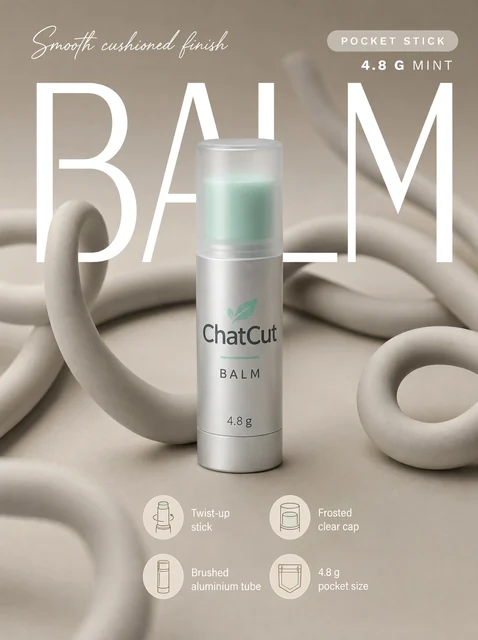
  4. Pastel BeautyPro

    For beauty, skincare and everyday product promotion.

    Use this style
  5. Dark PremiumPro

    For showcasing fragrance, drinks and tech products.

    Use this style
  6. 3D SurrealPro

    For creative product launches and brand campaigns.

    Use this style
  7. Bold type postersPro

    For highlighting product benefits and promotions.

    Use this style
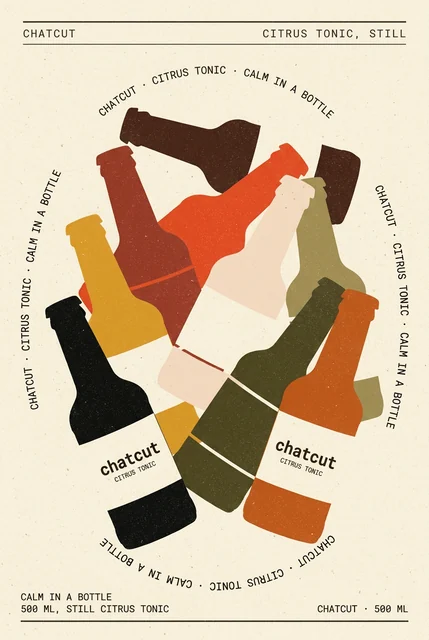
  8. Illustrated postersPro

    For brand stories, product features and event promotion.

    Use this style
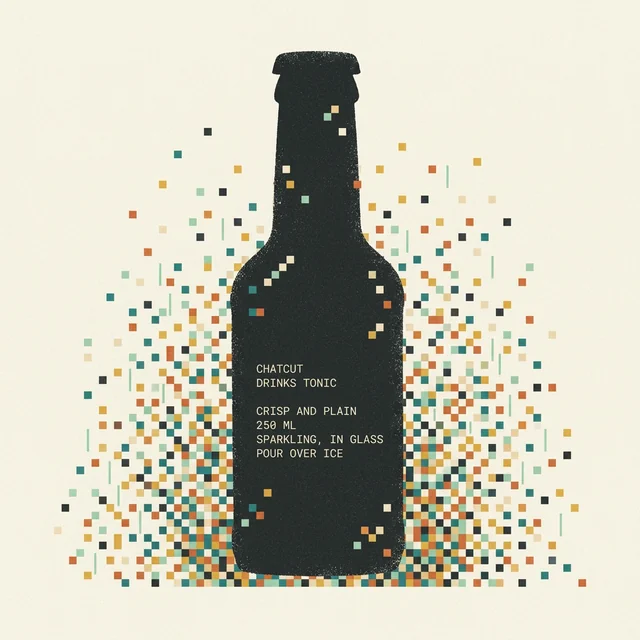
  9. Retro print postersPro

    For food, drinks, handmade goods and vintage brand campaigns.

    Use this style
  10. Clean editorial postersPro

    For skincare, home and lifestyle brands.

    Use this style

A product photo becomes a campaign image

Bring the product and the words; the selected style supplies the composition and visual treatment.

  • Put the headline first

    Bold type posters use oversized lettering and a clear visual hierarchy to highlight your product benefits or promotion.

  • Match the brand's mood

    Try Pastel Beauty for soft colors, Dark Premium for focused lighting, or Retro print posters for paper textures and vintage lettering.

  • Use your own product copy

    Provide the exact headline and true selling points you want in the image, then review the generated lettering before publishing.

  • Reuse the finished image

    Download the poster or use the saved image asset in a ChatCut video project for a launch or promotion.

How to make a product poster

Select the look and content here, then create the poster after reviewing its estimate in ChatCut.

  1. 01

    Pick a style and product photos

    Choose a template above and select clear product photos. This page does not upload your files or charge credits.

  2. 02

    Add the headline and choose an example

    Write exact copy and true product details, then choose an example and a shape supported by the style.

  3. 03

    Generate and check the poster

    Continue to the ChatCut editor, sign in and review the estimate before running. Check the product and lettering before downloading.

Try it above

Posters for launches and product stories

Pick a treatment that fits the message and the product you sell.

  • Launch and promotion teams

    Use Color Pop or Bold type posters for a headline-led product launch with the exact offer you provide.

  • Beauty and home brands

    Choose Pastel Beauty for a soft skincare image or Clean editorial posters for a spacious, magazine-style layout.

  • Food and handmade shops

    Use Juicy Splash to highlight a drink's flavor, or Retro print posters for vintage food and handmade product campaigns.

Make a poster through a connected agent

Use the Codex or Claude Code setup guide, then send your product photos and exact copy.

In Codex

Use ChatCut's Bold type posters style to make a 3:4 poster from my attached coffee bag photos. Use the exact headline 'Morning starts here'. Add no price or extra claims. Show the estimate before generating.

Get the Codex plugin

In Claude Code

Create a 1:1 product poster in ChatCut's Clean editorial posters style using my attached ceramic vase photos. Use generous white space and the exact headline 'Room to breathe'. Show the estimate before generating the image.

Also on Grok and Antigravity. See all plugins.

Keep editing in ChatCut

Your result lands in a ChatCut project. Trim it, add captions, a voiceover or music, then export. Manual editing and export do not use credits.

New on YouTube Seedream 5.5 Is Now in ChatCut Seedream 5.5 in ChatCut
More from our channel All videos

Hundreds of skills for any video

100+ Skills. No experience needed. Start in one click.

Speech CleanupUpload your talking-head footage. ChatCut automatically cuts out verbal slips, repetition and awkward pauses, keeping your delivery natural and seamless.Long video to shortsPaste a video link or upload a file. ChatCut plans the edits and polishes each clip, turning your long video into multiple short videos ready to publish on their own.Add captionsUpload your talking-head video. ChatCut automatically recognizes the speech, generates captions and applies your selected caption style.Motion Graphics StylesUpload a talking-head video and get motion graphics in the Editorial Explainer style added automatically: notebook chapter pages, grey-paper data charts and yellow highlighter marks, alternating with your on-camera shots like a news explainer. Good for news explainers, current affairs and data stories. If the footage has obvious flubs, repeats or long pauses, it cleans them up first, then packages it. You get a packaged, editable timeline ready to tweak and export. Works best with clear audio and one presenter.Editorial ExplainerVideo TranslationUpload a video and choose a target language. ChatCut automatically translates and dubs the speech, syncs lip movements, preserves the original voice and adds captions as needed.Talking-Head Edit RecreationEdit your talking-head footage with the cuts and styling of a reference video. Share a talking-head video you like (upload it or paste a link), then add your own recording. AI breaks down the reference's pacing, captions and on-screen text, motion graphics, B-roll, framing and sound, and applies them to what you say. You get a finished video and an editable project. It uses your own footage throughout, with no face swaps or generated shots.

Subscribe to get your AI video editor

Unlock member features, models, and export allowances. Get more credits every month

Starter

$21 /month $25

Billed annually · $252

16% off
Get started
  • 100 credits / month
  • 41 Seedance 2.5 videosIllustrative new-user estimates, not guaranteed amounts or your quote. Each example spends all credits on one model. Video and image examples use the prompt “A red circle on a plain white background.” with no reference media; images use PNG. Actual costs vary with settings and generated tokens.
  • 588 Nano Banana 2.1 imagesIllustrative new-user estimates, not guaranteed amounts or your quote. Each example spends all credits on one model. Video and image examples use the prompt “A red circle on a plain white background.” with no reference media; images use PNG. Actual costs vary with settings and generated tokens.
  • AI editing for ~5 projectsEstimated from typical use. Projects aren't limited, and credits vary with project complexity. Editing through external agents like Claude Code or Codex uses no credits, but generating content still does
  • Parallel: 2 videos, 4 images
  • Create 1 voice clone, 1 avatar
  • Extra credit discount
  • Access to all AI modelsIncludes the most advanced models: Seedance 2.5, Kling 4.0, GPT Image 2.6, Nano Banana 2.1, music and voice generation
  • Full AI editing and video editor
  • 4K video export
  • Transparent MG export

Plus

$38 /month $50

Billed annually · $456

24% off
Get started
  • 200 credits / month
  • 82 Seedance 2.5 videosIllustrative new-user estimates, not guaranteed amounts or your quote. Each example spends all credits on one model. Video and image examples use the prompt “A red circle on a plain white background.” with no reference media; images use PNG. Actual costs vary with settings and generated tokens.
  • 1,176 Nano Banana 2.1 imagesIllustrative new-user estimates, not guaranteed amounts or your quote. Each example spends all credits on one model. Video and image examples use the prompt “A red circle on a plain white background.” with no reference media; images use PNG. Actual costs vary with settings and generated tokens.
  • AI editing for ~10 projectsEstimated from typical use. Projects aren't limited, and credits vary with project complexity. Editing through external agents like Claude Code or Codex uses no credits, but generating content still does
  • Unlimited parallel generations
  • Unlimited voice clones, avatars
  • Extra credits 10% off
  • Access to all AI modelsIncludes the most advanced models: Seedance 2.5, Kling 4.0, GPT Image 2.6, Nano Banana 2.1, music and voice generation
  • Full AI editing and video editor
  • 4K video export
  • Transparent MG export
Most popular

Pro

$72 /month $100

Billed annually · $864

28% off
Get started
  • 400 credits / month
  • 164 Seedance 2.5 videosIllustrative new-user estimates, not guaranteed amounts or your quote. Each example spends all credits on one model. Video and image examples use the prompt “A red circle on a plain white background.” with no reference media; images use PNG. Actual costs vary with settings and generated tokens.
  • 2,352 Nano Banana 2.1 imagesIllustrative new-user estimates, not guaranteed amounts or your quote. Each example spends all credits on one model. Video and image examples use the prompt “A red circle on a plain white background.” with no reference media; images use PNG. Actual costs vary with settings and generated tokens.
  • AI editing for ~20 projectsEstimated from typical use. Projects aren't limited, and credits vary with project complexity. Editing through external agents like Claude Code or Codex uses no credits, but generating content still does
  • Unlimited parallel generations
  • Unlimited voice clones, avatars
  • Extra credits 15% off
  • Access to all AI modelsIncludes the most advanced models: Seedance 2.5, Kling 4.0, GPT Image 2.6, Nano Banana 2.1, music and voice generation
  • Full AI editing and video editor
  • 4K video export
  • Transparent MG export
Lowest credit price

Max

$141 /month $200

Billed annually · $1692

30% off
Get started
  • 800 credits / month
  • 329 Seedance 2.5 videosIllustrative new-user estimates, not guaranteed amounts or your quote. Each example spends all credits on one model. Video and image examples use the prompt “A red circle on a plain white background.” with no reference media; images use PNG. Actual costs vary with settings and generated tokens.
  • 4,705 Nano Banana 2.1 imagesIllustrative new-user estimates, not guaranteed amounts or your quote. Each example spends all credits on one model. Video and image examples use the prompt “A red circle on a plain white background.” with no reference media; images use PNG. Actual costs vary with settings and generated tokens.
  • AI editing for ~40 projectsEstimated from typical use. Projects aren't limited, and credits vary with project complexity. Editing through external agents like Claude Code or Codex uses no credits, but generating content still does
  • Unlimited parallel generations
  • Unlimited voice clones, avatars
  • Extra credits 20% off
  • Access to all AI modelsIncludes the most advanced models: Seedance 2.5, Kling 4.0, GPT Image 2.6, Nano Banana 2.1, music and voice generation
  • Full AI editing and video editor
  • 4K video export
  • Transparent MG export

Free

$0No credit card required

  • Free credits at signup
  • Full video editor
  • Unlimited local export
  • AI captions and transcription
  • Motion graphics
  • 1 voice clone with preview
Try for free

Some features are completely free in Codex, Claude, and WorkBuddy. Learn More

AI poster generator FAQ

What is an AI poster generator?

It turns your product references and written direction into a finished poster image. ChatCut's ten poster and listing styles cover bold type, illustration, vintage print, editorial layouts and product scenes.

How do I make a poster from a product photo?

Choose a style, select product photos, write your copy and pick an example. Continue to the ChatCut editor to sign in, review the credit estimate and start generation. File selection on this page does not upload the files or charge credits.

What inputs does the poster maker need?

Prepare clear photos of your real product, with the front and packaging visible. Add true product details and any headline exactly as it should appear, then choose a style example. Follow the selected form's requirements for the images you provide.

How do I get the right text on my poster?

Write the headline, product wording and any offer exactly as you want them in the details field. Use only claims you can support. Review every generated word and the product label before publishing; a request for exact copy still needs a visual check.

What poster sizes and resolution can I generate?

Each job produces one still image in a supported aspect ratio. Bold type posters supports 3:4 and 2:3, while Clean editorial posters also offers 3:2 and 1:1; other styles have their own choices. These descriptors do not specify a fixed pixel resolution, so inspect the finished image's dimensions for your intended use.

Is the AI poster generator free?

No. Image generation requires a paid ChatCut plan and consumes credits, with an estimate shown before the run. Every new version is a separate paid job. Manual editing, adding captions and exporting do not consume credits.

Can I edit the text and objects separately?

The generated poster is a flat bitmap, not a layered design file with separately editable text and objects. You can download it, reuse it in a ChatCut project or ask for a revised image. Regeneration is another paid job.

Can I print a generated poster?

Check the finished image's pixel dimensions against your printer's requirements for the intended print size. These templates do not promise a particular DPI or a print-ready file. Review the lettering and fine details before sending the image to print.

Which style should I choose for my campaign?

Choose Bold type posters when the headline leads, Illustrated posters for a brand story, or Retro print posters for a vintage look. Clean Studio focuses on packaging, while Color Pop emphasizes vivid colors. Browse the examples within the style before committing to a run.

Can I create posters in Claude Code or Codex?

Follow the Codex setup guide, or connect ChatCut to Claude Code through its setup guide. The plugin does not install into the ChatGPT or Claude websites. Use the prompts above with your product photos; ChatCut-hosted generation uses your ChatCut credits.

Guides: Product photos and listing images guide · All Skills