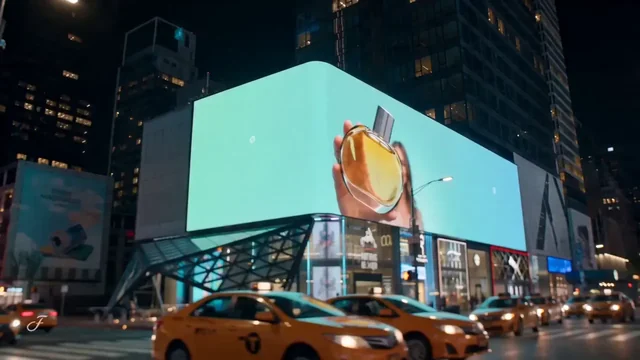
In Codex
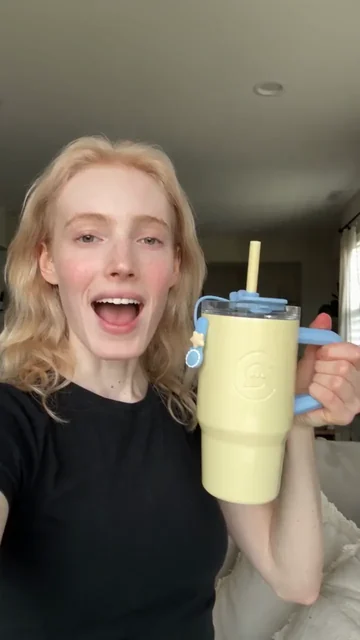
Use ChatCut to make a 9:16, 15-second cozy selfie review from my presenter and tumbler photos. Mention only the blue handle and clear lid. Show me the script and credit estimate before generating.
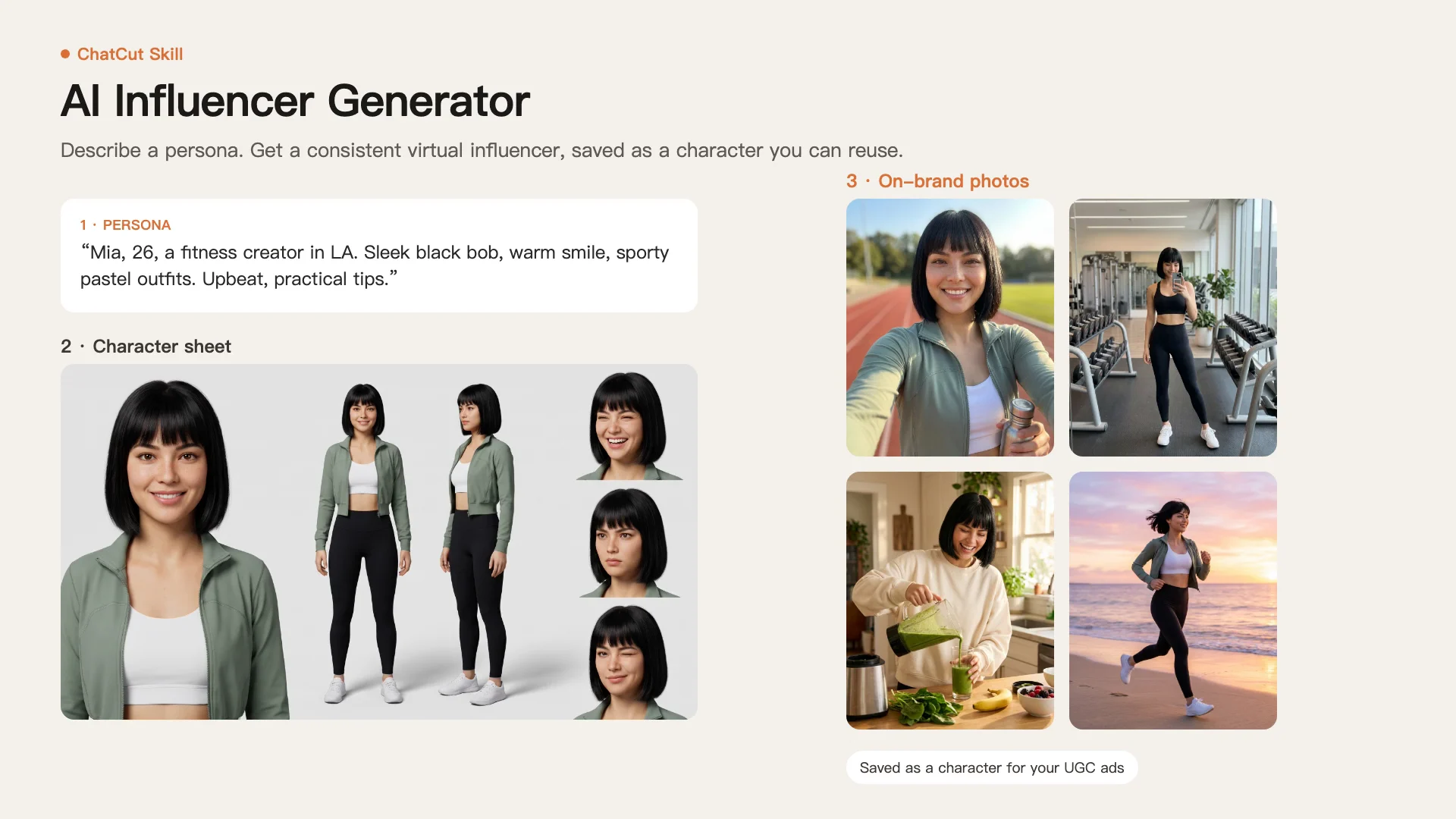
Turn product photos and real selling points into creator-style reviews, demos and UGC ads with a presenter you choose.
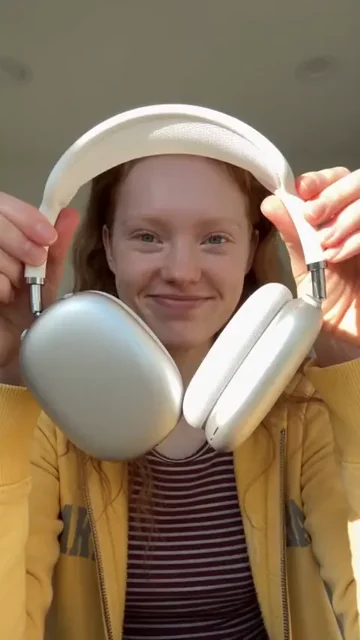
Camera-facing product reviewPro
What happens next
Video generation needs a paid plan and uses credits. ChatCut shows the estimate before the run. Product ads guide






Trusted by 400,000+ creators
Choose a review, demonstration, reveal or story to load its form above.
Start with the product details customers need, then choose a scene that shows them clearly.
Most styles let you choose a presenter or upload a photo for a casual review or a direct-to-camera explanation.
Use Hidden-feature product demo for a narrated how-to, or Step-by-step accessory tutorial for close-ups of each step.
Provide the benefits, usage steps and exact wording you want included, so the brief stays tied to your product.
Bring the generated clip into a ChatCut project to trim the pacing, add captions and export your finished ad.
Choose a scene, supply the product details, and review the cost in ChatCut before generating.
Pick a style, select a presenter if requested, and add the product photos or outfit description its form needs.
Write the benefits and wording to include, then choose the length and shape offered by that template.
Sign in to the editor, check the credit estimate and start generation, then review the product details before editing or exporting.
Give each product a clear message for your store, social feed or next campaign.
Turn existing product photos into a casual introduction that explains what the item does and shows it in use.
Try a selfie review and a feature demo for the same product, with a separate paid generation for each version.
Build a short tutorial around the usage steps you provide, with close-ups that help viewers follow along.
Use these prompts with ChatCut connected in Codex or Claude Code to describe the product ad you want.
In Codex
Use ChatCut to make a 9:16, 15-second cozy selfie review from my presenter and tumbler photos. Mention only the blue handle and clear lid. Show me the script and credit estimate before generating.
In Claude Code
Use ChatCut to make a 10-second, 9:16 product demo from these presenter and phone-stand photos. Show the folding hinge and how the phone rests on it. Use only those facts and show the credit estimate before generating.
Also on Grok and Antigravity. See all plugins.
Your result lands in a ChatCut project. Trim it, add captions, a voiceover or music, then export. Manual editing and export do not use credits.
100+ Skills. No experience needed. Start in one click.
Unlock member features, models, and export allowances. Get more credits every month
Billed annually · $252
16% offBilled annually · $456
24% offBilled annually · $864
28% offBilled annually · $1692
30% off$0No credit card required
Some features are completely free in Codex, Claude, and WorkBuddy. Learn More
| Credits per month | Monthly | Annual |
|---|---|---|
| Starter · 100 credits / month | $25/month Billed monthly | $21/month $252 · Billed annually |
| Plus · 200 credits / month | $48/month Billed monthly | $38/month $456 · Billed annually |
| Pro · 400 credits / month | $92/month Billed monthly | $72/month $864 · Billed annually |
| Max · 800 credits / month | $180/month Billed monthly | $141/month $1692 · Billed annually |
| Max · 1,200 credits / month | $270/month Billed monthly | $211/month $2532 · Billed annually |
| Max · 2,000 credits / month | $450/month Billed monthly | $351/month $4212 · Billed annually |
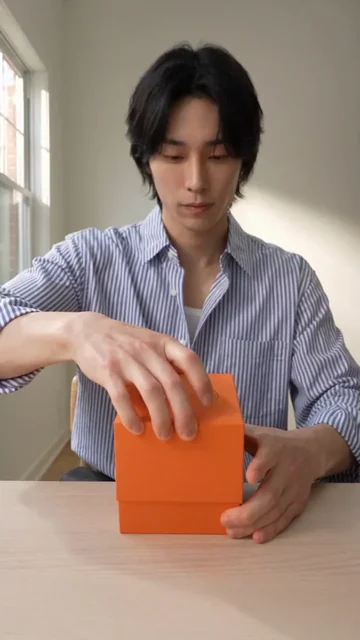
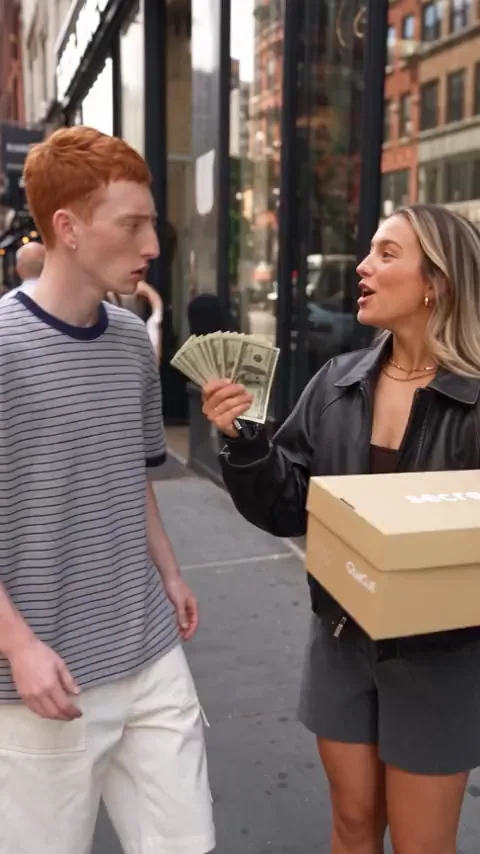
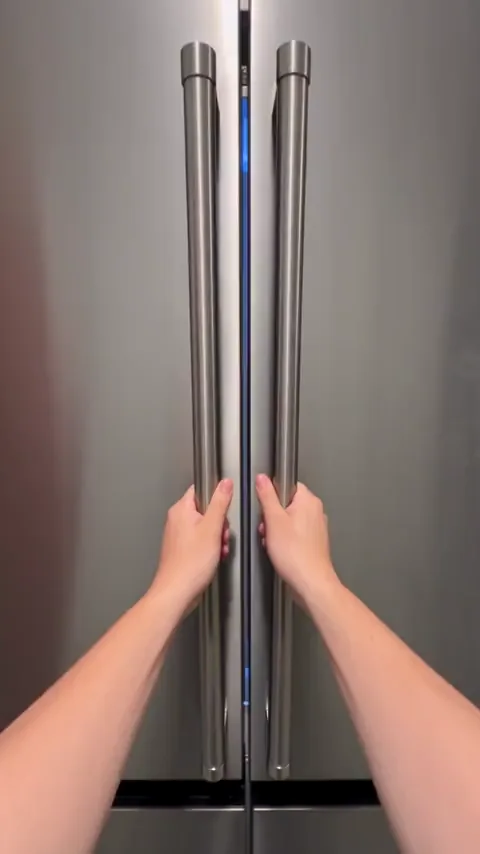
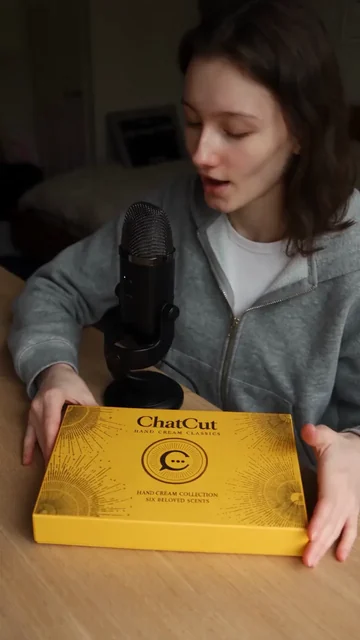
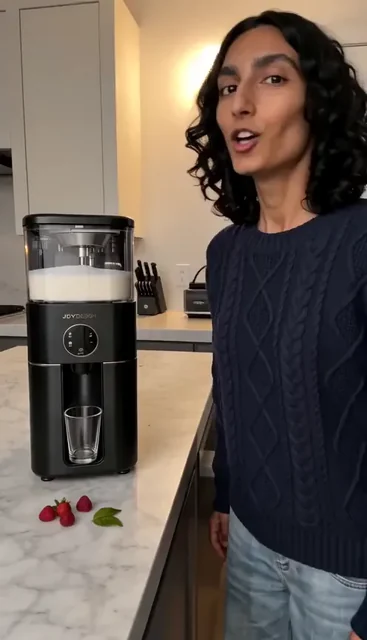
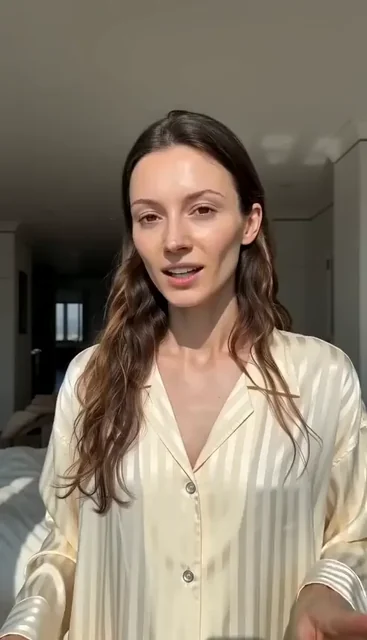
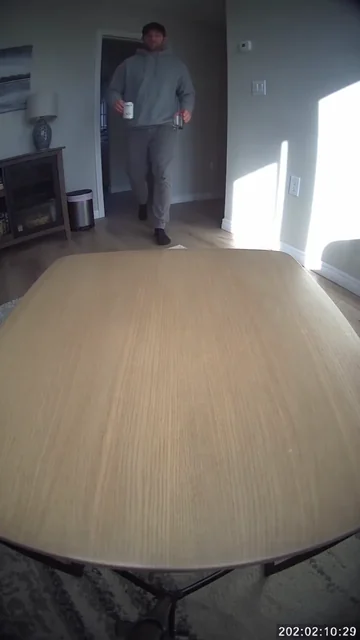
It makes a short video ad with the look of creator-shot content from your product inputs. ChatCut offers selfie reviews, demonstrations, unboxings, try-ons and other scenes. These are generated ads, not recordings of a real customer's experience.
Pick a template above, fill in its inputs and continue to the ChatCut editor. This page only prepares your choices; it does not upload your files or charge you. Sign-in, the credit estimate and the generation run happen inside ChatCut.
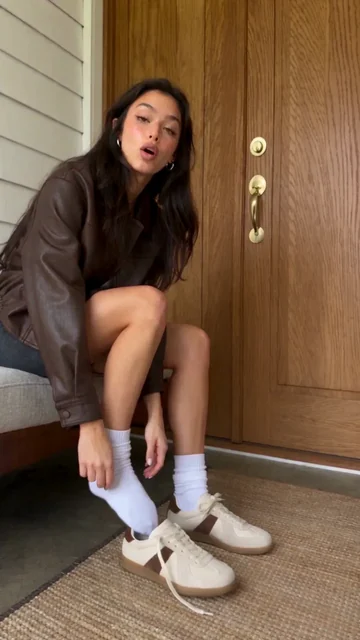
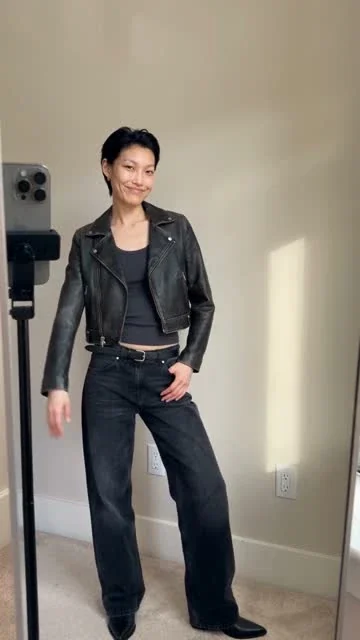
Most styles need clear product photos and a chosen or uploaded presenter photo. Add real benefits, usage steps and any exact wording. Unboxing styles need packaging details, On-Foot Try-On needs shoe photos, and Mirror outfit try-on uses a written outfit description. Restock, Caught-on-camera and Times Square do not need a presenter.
All 14 templates generate at 720p; most offer 5, 10 or 15 seconds in 16:9, 9:16, 3:4, 1:1 or 4:3. On-Foot Try-On supports 4–15 seconds, and Before and After supports 12–15 seconds; both also offer 21:9. Times Square is limited to 10 or 15 seconds in 16:9. Check the selected template's choices before running it.
No, video generation requires a paid ChatCut plan and consumes credits. ChatCut shows a credit estimate before the run, and every new take is a separate paid job. Manual editing, adding captions and exporting do not consume credits.
Yes, bring the result into a ChatCut project to trim it, add captions or arrange it with other clips. Review the product's label, colors and shape against your references before you export.
Follow the Codex setup guide, or connect ChatCut in Claude Code. The plugin does not install into the ChatGPT or Claude websites. Hosted video generation uses your ChatCut plan and credits, while the host agent has its own allowance.
No filming experience is needed to start with a template. Choose the scene and fill in the product details the form asks for. Clear photos and a short, factual message give the template a more useful brief.
Choose a template that offers 9:16 for a vertical video. Most UGC styles support that shape, but Times Square only offers 16:9. You can add captions and finish the clip in ChatCut before exporting for your chosen platform.
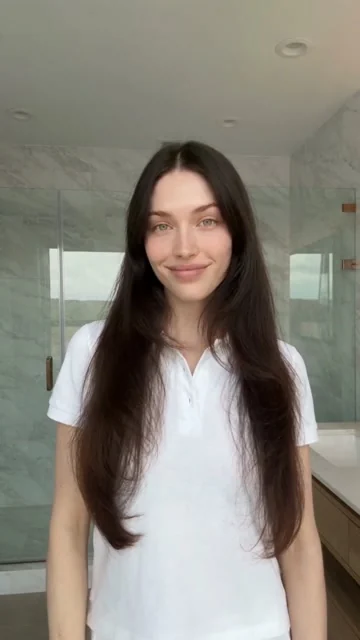
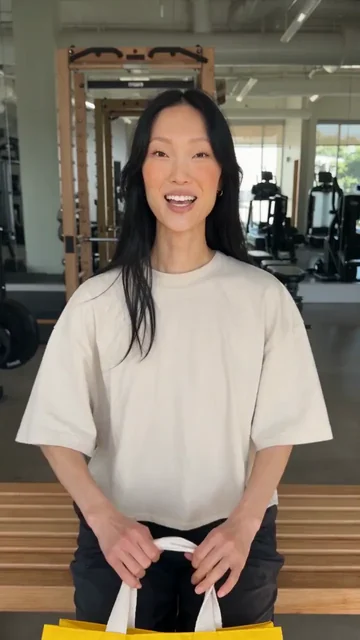
Most presenter-led styles let you choose a presenter or upload your own photo. Pair it with the product inputs requested by the form. Restock, Caught-on-camera and Times Square focus on the product without a presenter selection.
Guides: Product ads and UGC guide · All Skills
AI apps
Convert & compress
Edit video
Audio & voice